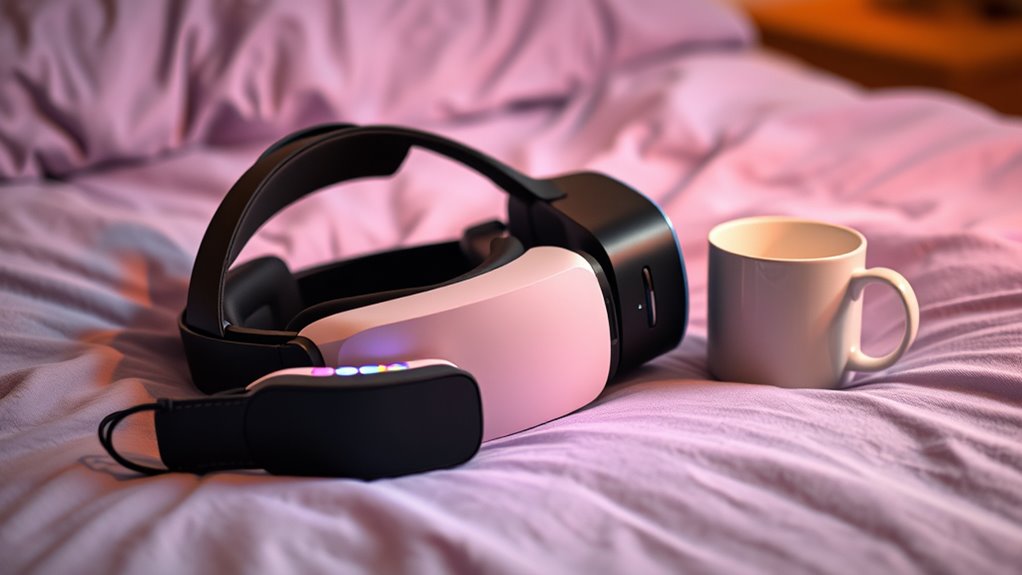

VR and guided meditation tools can help you improve sleep by immersing you in calming environments and guiding your relaxation. These tools reduce stress, ease racing thoughts, and create a peaceful mental space before bed. Combining immersive VR experiences with meditation practices enhances tranquility and can make falling asleep easier. By establishing a relaxing pre-sleep routine with these technologies, you set the stage for better rest. Keep exploring to discover how you can customize these solutions for your perfect nightly routine.

Get wellness gear delivered free — and shop member deals
- Fast, free delivery on millions of items
- Access to Prime Big Deal Days deals on October 6–7
- Prime Video, Amazon Music and more included
Key Takeaways
- VR platforms now integrate guided meditations within immersive environments to promote relaxation and prepare users for sleep.
- Combining VR and meditation enhances sensory engagement, deepening relaxation and reducing sleep onset time.
- Many apps offer customizable serene virtual settings paired with calming audio guidance for better sleep quality.
- Regular use of these tools can establish calming pre-sleep routines, improving overall sleep patterns.
- Privacy considerations, such as data and cookie management, are important when choosing online VR and meditation sleep tools.
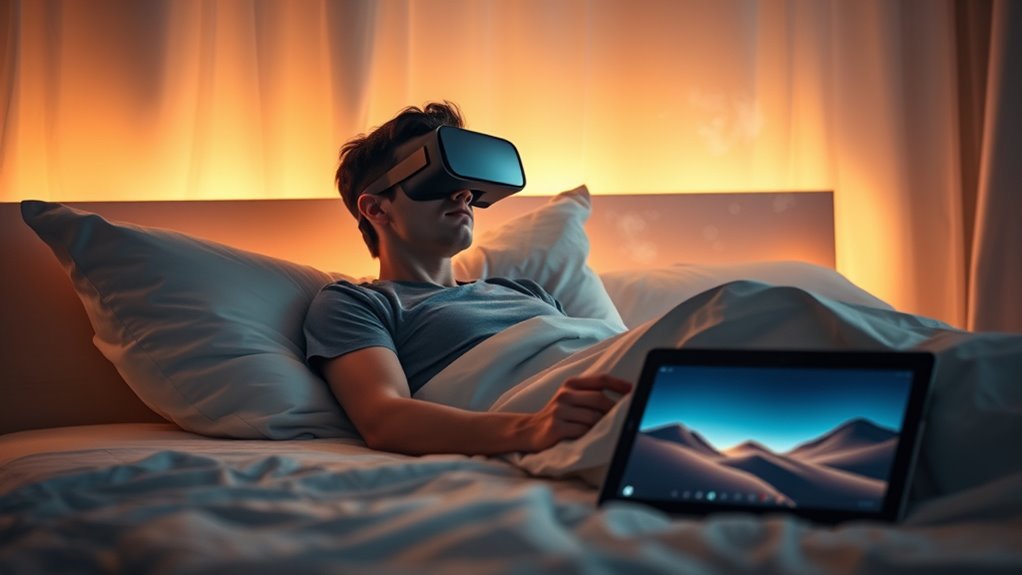
Getting a good night’s sleep can be challenging, especially when stress and restless thoughts keep you awake. If your mind races with worries or daily pressures, trying to wind down can feel like an uphill battle. That’s where innovative tools like virtual reality and meditation apps come into play, offering new ways to relax and prepare your mind for restful sleep. Virtual reality (VR) has evolved beyond gaming and entertainment; now, it’s being used to create immersive, calming environments that can help you disconnect from daily stressors. With a VR headset, you can step into serene beaches, tranquil forests, or peaceful mountain retreats—all designed to soothe your mind and body. These virtual environments serve as a mental escape, blocking out external distractions and encouraging relaxation. When combined with guided meditation, VR becomes a powerful tool to help you drift off more easily.
Meditation apps, on the other hand, are accessible and easy to incorporate into your nightly routine. These apps feature guided meditations specifically designed to reduce anxiety, calm racing thoughts, and promote sleep. Many of them incorporate soothing sounds, calming voices, and breathing exercises that help you relax your body and mind. You can choose sessions tailored for sleep, which often involve progressive muscle relaxation or mindfulness techniques to ease stress. Using meditation apps consistently can train your brain to associate these calming practices with sleep, making it easier to transition into rest each night. Additionally, understanding cookie categories can help you manage your privacy preferences while exploring these relaxation tools online.
Integrating virtual reality with meditation apps takes relaxation a step further. Some VR platforms now offer guided meditation experiences within immersive environments, combining the visual serenity of a virtual landscape with the calming guidance of meditation. This multisensory approach can deepen your sense of tranquility, making it easier to let go of worries and prepare for sleep. As you wear the VR headset, you’re not just listening to calming instructions—you’re truly immersed in a peaceful space that heightens the relaxation effect. Over time, regularly using VR and meditation tools can help reset your sleep patterns, reducing the time it takes to fall asleep and improving overall sleep quality.
As an affiliate, we earn on qualifying purchases.
Frequently Asked Questions
Can VR and Meditation Tools Cause Dizziness or Motion Sickness?
Yes, VR and meditation tools can cause dizziness or motion sickness. You might experience dizziness risks if the VR environment has rapid movements or inconsistent visuals, which can trigger motion sickness. To diminish these effects, start with short sessions, take breaks, and guarantee your headset fits comfortably. If you feel dizzy or nauseous, stop immediately and rest. Proper usage helps minimize discomfort and enhances your relaxation experience.
How Long Should a Typical VR Meditation Session Last?
A typical VR meditation session should last around 10 to 20 minutes, as studies show most users find this duration ideal for relaxation without discomfort. You should prioritize user comfort, listening to your body, and adjusting session length if you start feeling dizzy or overwhelmed. Starting with shorter sessions helps your mind and body adapt, ensuring a calming experience that promotes better sleep and minimizes any potential motion sickness.
Are These Tools Suitable for Children or Only Adults?
These tools are primarily designed for adults, but children can use them with strict parental guidance. You should prioritize child safety by choosing age-appropriate content and monitoring their use to prevent any discomfort or adverse effects. Always consult with a pediatrician before introducing VR meditation to children, and ensure that sessions are limited in duration. Parental oversight helps guarantee a safe and beneficial experience for your child.
Do VR Sleep Tools Require a Subscription or One-Time Purchase?
Most VR sleep tools lean on a subscription model, offering ongoing access to fresh content and updates, though some may have a one-time purchase option. The cost implications depend on the app’s pricing structure, and you’ll want to check app compatibility with your device before diving in. Subscriptions often provide continuous improvements, making it feel like you’re investing in a cozy, ever-evolving sleep companion.
How Do I Ensure My Privacy While Using These Apps?
To make certain of your privacy while using these apps, you should review their privacy policies and data security measures. Look for features like encryption, anonymized data collection, and clear information on how your data is stored and used. Keep your app updated, disable unnecessary permissions, and consider using a VPN for added security. Being proactive helps protect your privacy and reduces your privacy concerns while enjoying these tools.
As an affiliate, we earn on qualifying purchases.
Conclusion
As you slip into your VR headset or close your eyes for guided meditation, imagine drifting into a tranquil forest or gentle waves lapping at the shore. These tools create a serene escape, guiding your mind away from daily chaos and toward peaceful sleep. With each session, you’ll find yourself sinking deeper into relaxation, your body melting into the quiet darkness. Embrace these moments of calm, and let restful sleep become your nightly sanctuary.
virtual reality calming environments
As an affiliate, we earn on qualifying purchases.
As an affiliate, we earn on qualifying purchases.
As an affiliate, we earn on qualifying purchases.
Fall Picks
fall essentials
As an affiliate, we earn on qualifying purchases.